The simple idea
Most useful work lives in tools you already use. Email. Calendar. Drive. A task tracker. A bank app.
Connectors plug Claude into those tools, one by one, with your permission. Now you can ask in plain words and Claude can actually do the thing.
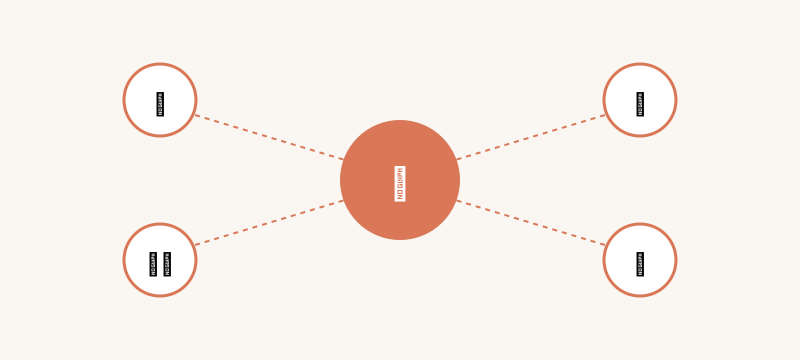
What MCP actually means
MCP stands for Model Context Protocol. Skip the long name. Just remember the idea.
It is a shared way for AI tools and apps to talk to each other. Think of it as the standard plug shape on the back of a TV. Lots of devices. Same socket.
Because Claude follows MCP, more and more tools can plug in fast.
What you can connect
Calendar. So you can ask "what do I have tomorrow morning."
Email. So Claude can draft a reply with the actual thread already in mind.
Cloud drive. So it can read a document instead of you copy pasting.
Notes apps, task trackers, code tools, custom things your team built. The list grows every month.
How you turn one on
Open Claude. Find the connector or apps section. Pick the tool you want.
You log in once. You pick what Claude is allowed to see. Done.
Now you can ask things like "find the file we sent to that client last week" and Claude actually goes and finds it.
What I use the most
Calendar. Daily. "Move my afternoon to make space for a phone call."
Email drafts. "Reply to this thread but shorter and warmer."
Cloud drive. "Pull last quarter's report and summarize the numbers."
Safety bits to know
Each connector asks before it does anything that changes things. Read the prompts.
You can disconnect any time. Settings. One click. Gone.
Start with read only when you can. Add write access when you trust the workflow.
Connectors and Cowork and Claude Code
These three sit close together. Cowork touches your local files. Claude Code touches your code repo. Connectors touch your cloud apps.
You will mix and match. Different jobs. Same brain. Different hands.
Custom connectors for your business
If your team has its own tools, you can build a connector for it. Because MCP is the standard, you do not need a special deal with anyone.
That is the part that gets engineering teams really excited. Hook your own systems in. Run them through Claude.
Common mistakes
Turning on too many at once. You will not remember what is connected. Start with one.
Giving full write access on day one. Read only is safer until you know what to expect.
Forgetting to disconnect old ones when you switch tools. Tidy up once a quarter.
One small ask: what is the one app that holds the answers Claude does not know yet? Tell me on LinkedIn. Often the right connector already exists.