What it is in one line
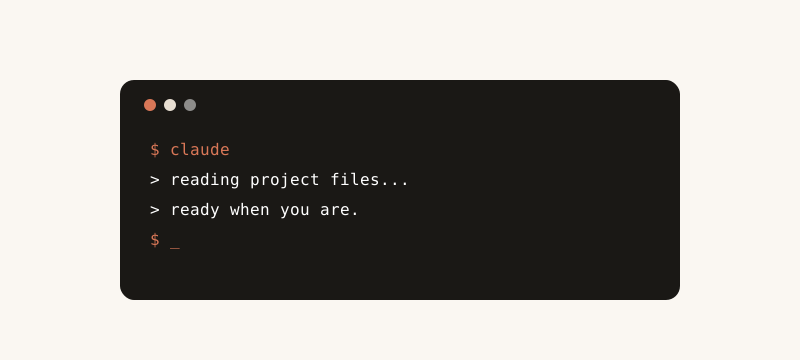
Claude Code is a command line tool. You run it inside your project folder. You ask in plain English. It reads your code, edits files, and runs commands.
It is not a website. It is not a chat tab. It sits right next to your editor.
Why it feels different from chat
In a chat tab, you copy code in and paste code out. Slow. Easy to lose track.
Claude Code already has your files. Your real ones. So you can say "fix the bug in the login flow" and it goes and looks.
You stop being a copy paste machine. You become the person who decides what to build.
Who it is for
Anyone who writes code. From hobbyists to senior engineers.
Especially good if you live in the terminal already. If you do not, you will get used to it fast.
If you have never written code in your life, start with the chat or with Cowork. Come back here later.
Installing it
You need a recent version of Node on your machine. Then one install command and you log in with your Claude account.
That is the whole setup. Then you change into any project folder and start typing.
What I use it for every day
Fixing bugs that are hiding in five files I do not want to read.
Adding small features and writing the tests for them in one go.
Cleaning up a folder of scripts that worked but looked rough.
Writing a quick migration when I add a column to a database.
How a session usually goes
I open the project. I ask for the change I want. It plans. I read the plan. I say go.
It edits files. It runs the tests. If something fails, it tries again.
I review the changes. I commit what is good. I roll back what is not.
Safety and review
Always work in a branch. Never let it edit your only copy.
Read the changes before you commit. It is fast at writing. You stay slow at trusting.
Run your tests before you push. Same as you would with a junior engineer.
Tips that took me a while to learn
Be specific about the file or folder. "Edit the user controller in the api folder" beats "fix the login."
Tell it the constraint. "Do not change the database schema." That one line saves you trouble.
Ask for the plan first when the change is big. Read it. Then say go.
How it pairs with the rest
Cowork is for files that are not code. Claude Code is for code that is.
Projects are for context that should follow you. Claude Code already sees your folder, but Projects help when you have docs and notes that live elsewhere.
MCP connectors plug your other tools into the same brain. There is more on that over here.
Quick one: what is the file or folder in your project you have been avoiding? Run Claude Code in it and ask for a summary first. Then ask for the cleanup. Tell me how it goes on LinkedIn.